Can this be our entire math curriculum?▶
Yes. Ten sequenced courses from first-grade math through college, a placement that finds the right
starting unit, mastery quizzes with a real 90% bar, and a visible scope & sequence for every course.
Or keep the curriculum you love and use Mr. Cadabra alongside it — Practice mode coaches your student
through any problem they bring.
Will it satisfy my state's homeschool requirements?▶
We give you the records states most commonly ask for: an instructional-hours log built from
engaged time only, mastery evidence from real scored quizzes, and a printable scope & sequence
and records report. States differ, and you stay in charge of your state's specifics — we hand you the
paperwork, not legal advice.
How are instructional hours counted?▶
A minute counts only when the lesson is open and your student is actually working. Walk away,
switch tabs, leave it running — the clock stops. The number that lands in your log is one you can file
with a straight face.
How does it work with more than one student?▶
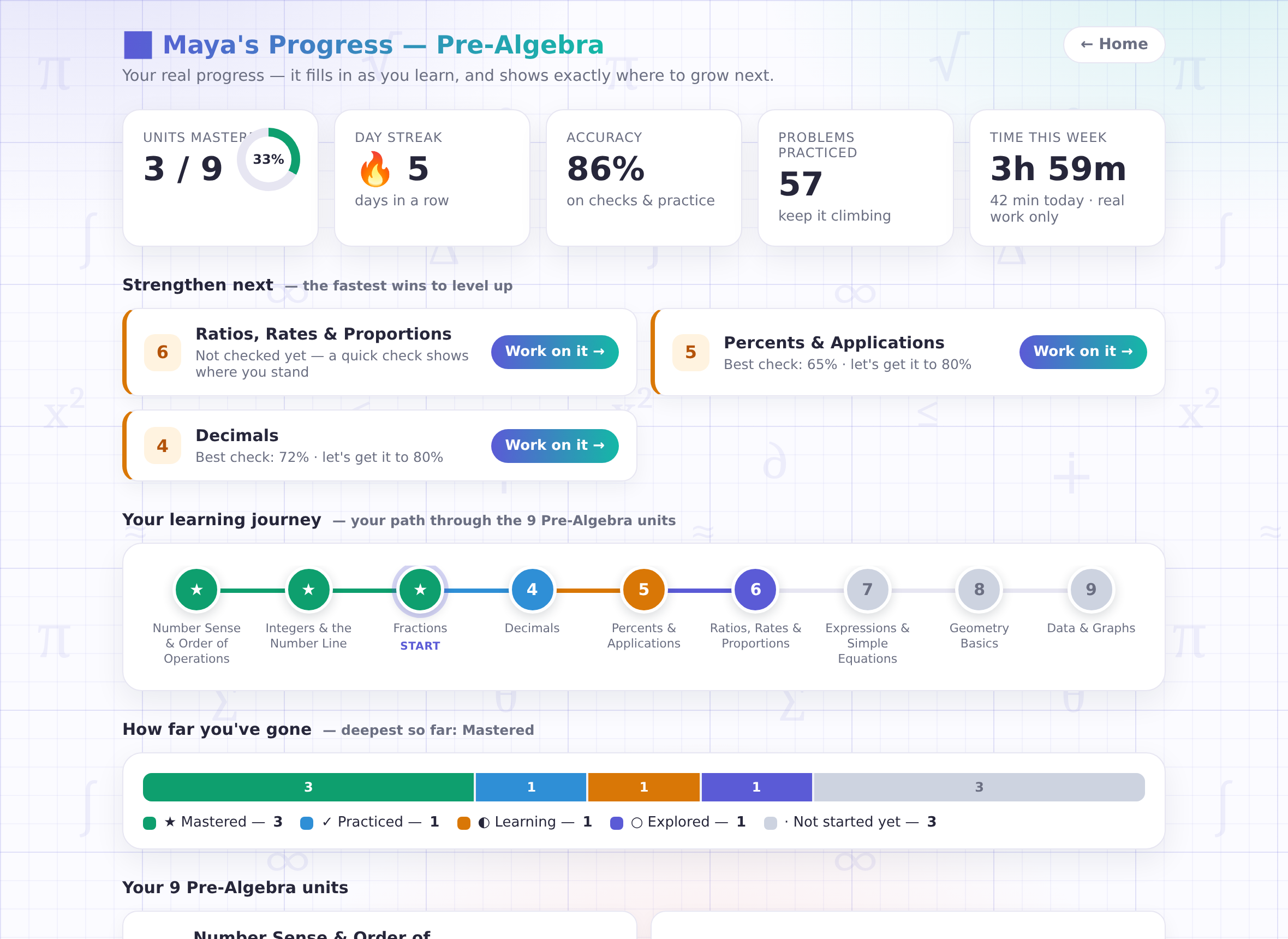
Each student gets their own login code, their own tutor memory, their own dashboard, and their own pace —
all managed from one free parent account, where you can also rename a student or mint a fresh code. Plan
details are on the pricing page.
Can I set what my student works on next?▶
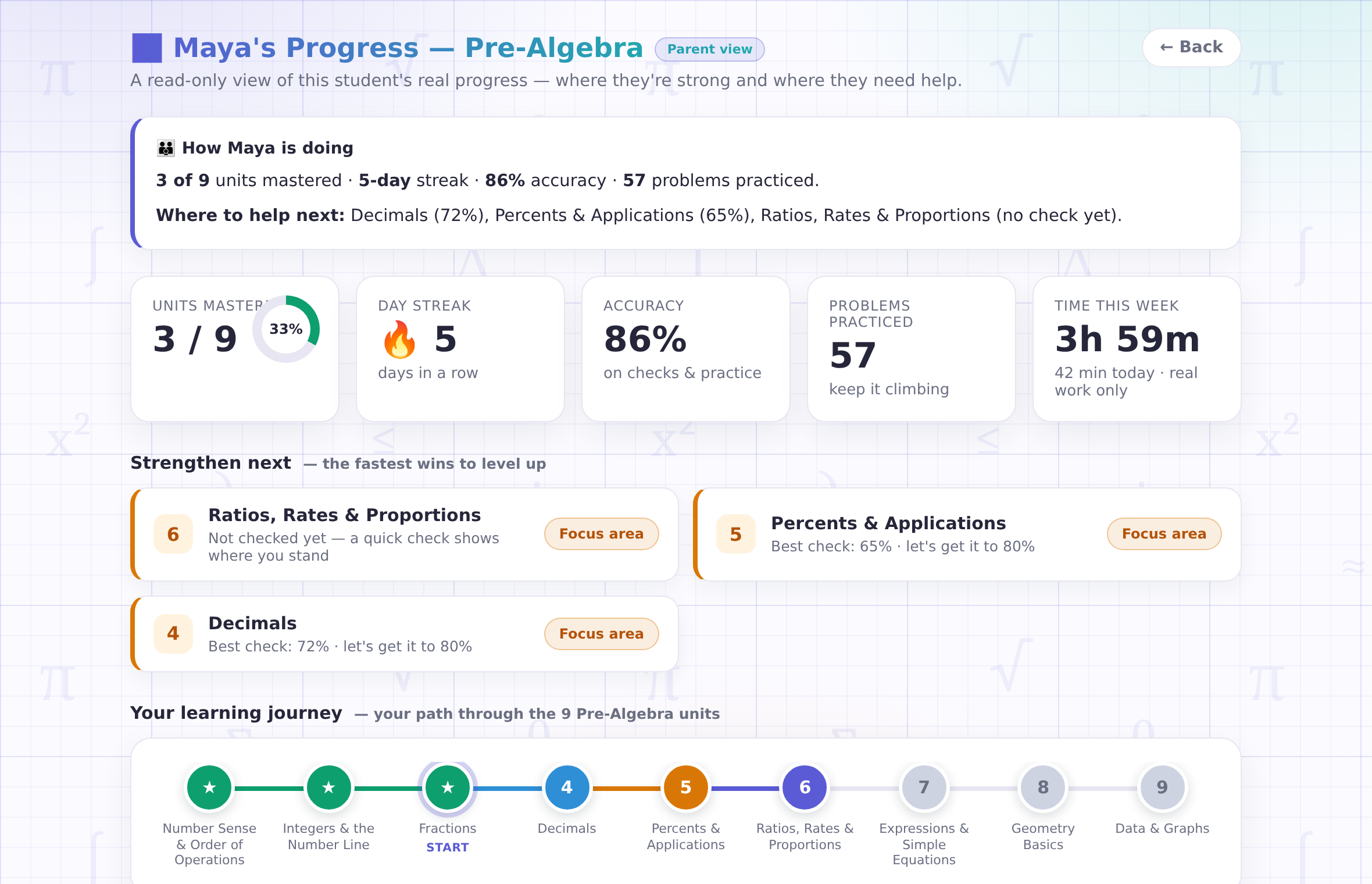
Yes — from your parent account, pick the unit you want front and center and it becomes today's plan in
the classroom. Your student's own deliberate choice is still respected in the moment, and their dashboard's
"strengthen next" keeps the best next step obvious even when you don't steer.
What do I show an evaluator or co-op?▶
The printable records report — hours log, quiz scores, mastery evidence, and awards — is one
click from your parent view. Course pages double as a printable scope & sequence for portfolios and
curriculum filings.
My student is behind grade level — will this embarrass them?▶
No. Placement starts them where they actually are, and no grade level ever appears on their
screen — an older student can rebuild fractions with complete dignity. The tutor meets them there and
builds up.
Do I have to teach the math myself?▶
No — Mr. Cadabra does the teaching, out loud, one step at a time, starting from what a word even
means. You get the window in: the parent view, the Friday email, and the list of recently tricky
problems, so helping is easy when you want to lean in.