Can we try it before creating anything?▶
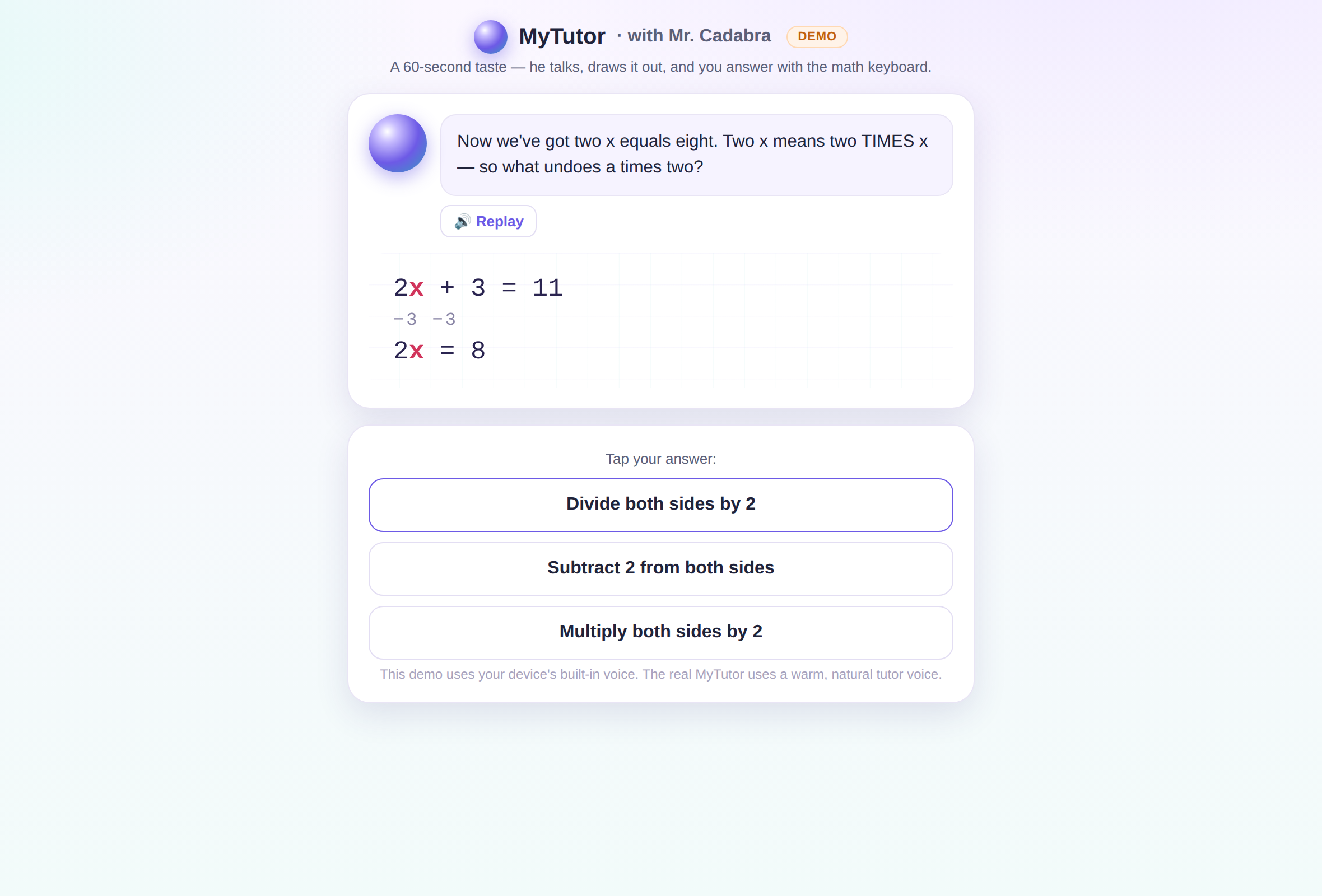
Yes — the demo lesson is a full interactive lesson with voice and the whiteboard,
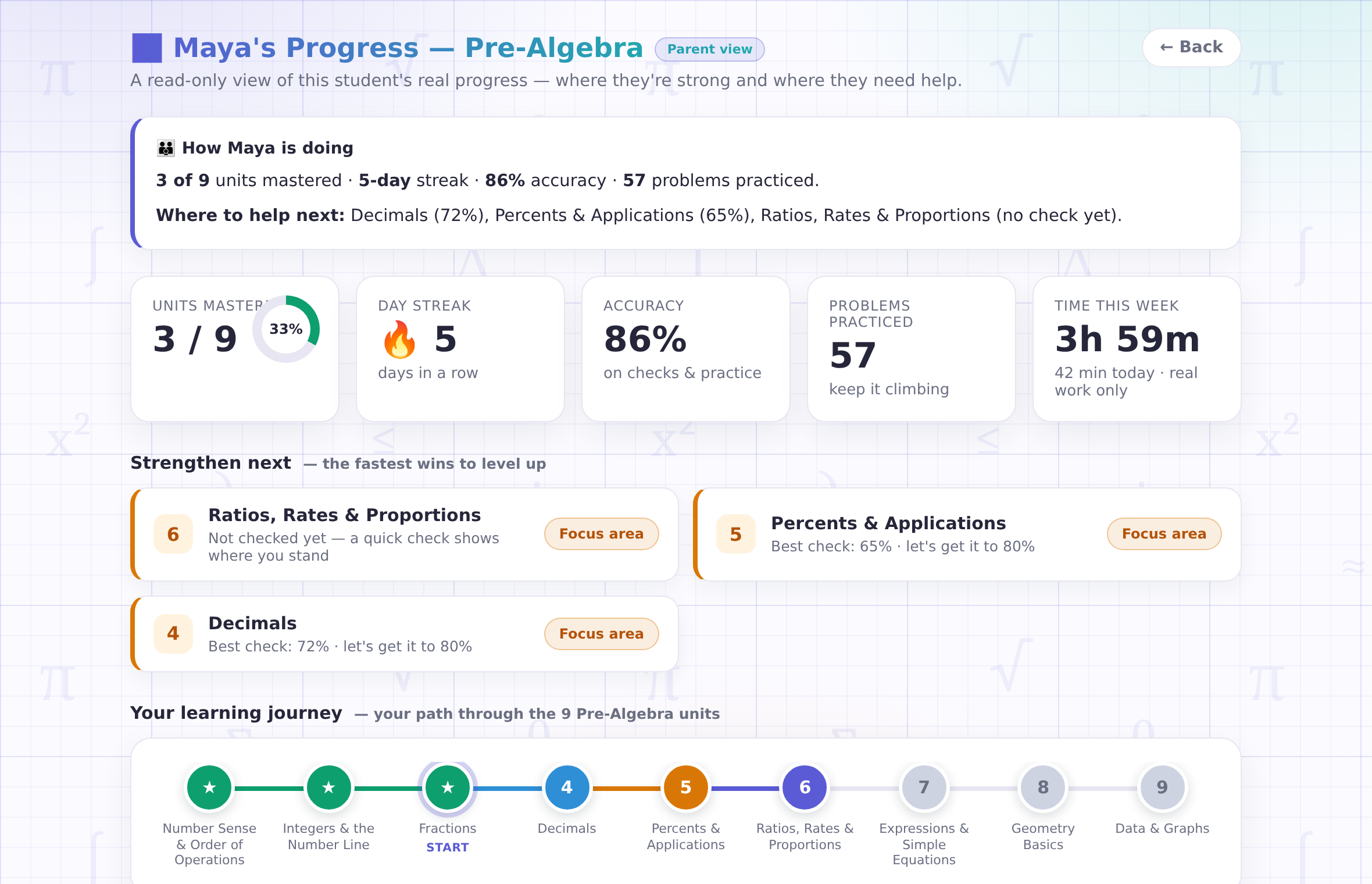
no account and no card. The parent walkthrough above shows you the dashboard the same way. Decide first,
sign up second.
What does setting up actually involve?▶
About five minutes. Create your free account at mrcadabra.com/family, add each
student with a first name or nickname, and each one gets their own login code. We never ask students for
email, phone, photos, or location.
What will I see as a parent?▶
A read-only view of each student: units mastered, real accuracy from real scored quizzes, honest
time-on-task, and which problems were recently tricky. Every Friday the summary also comes to your inbox
in plain language — and you can switch the email off (and back on) right from your account.
Can I guide what my student works on?▶
Yes. From your account you can steer — pick the unit you'd like your student centered on, and it
becomes today's plan in the classroom. One honest caveat: if your student deliberately picks something else
that day, their choice is respected. It's guidance, not remote control — motivation matters.
Is my student's data safe here?▶
Voice audio is never stored — speech becomes text and the audio is deleted immediately. No ads,
nothing sold, cookieless analytics, and a nickname is all we need. You can delete your student's data yourself,
any time, from your Family page. The plain-language policy is at Parents & Privacy.
What ages and levels does it cover?▶
Ten courses from first-grade math through college — Entry-Level Math all the way to Calculus and
Differential Equations. A friendly placement finds the right starting point, and no grade level ever
appears on the student's screen — an older student can rebuild fractions with dignity.
What if my student just tries to get answers out of it?▶
He won't hand them over. Mr. Cadabra is math-only, stays on task, and answers "just tell me" with the
next right question, a hint, or a fresh explanation. Kids try — he's patient, warm, and immovable.
What devices do we need?▶
Any modern browser — computer, tablet, or phone (on a phone the whiteboard comes first and the mic
docks at the bottom). Nothing to install. Headphones are nice for focus, never required.